📋Table of Contents
Hello everyone! Welcome back to word.rean.me by Rean Computer 101!
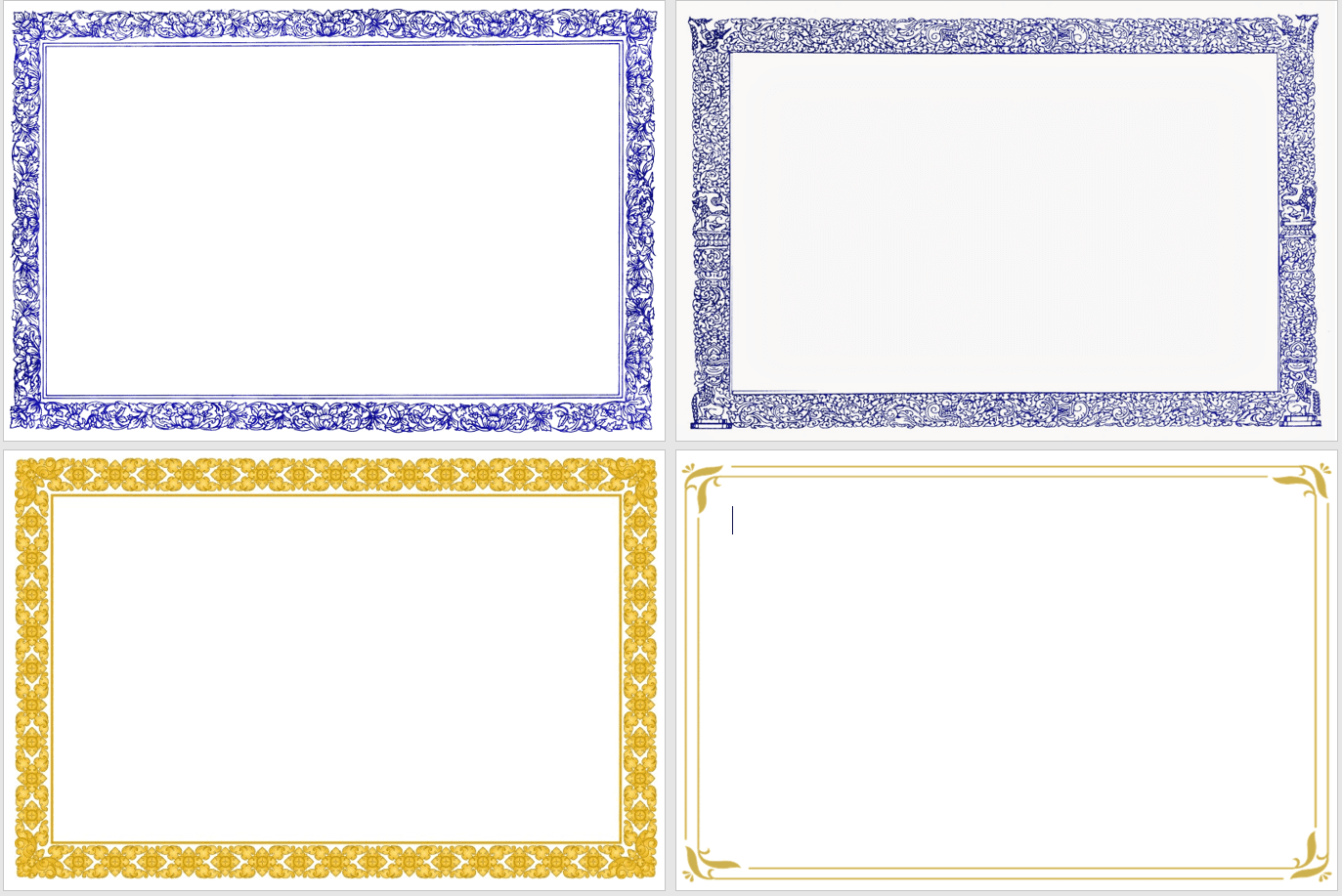
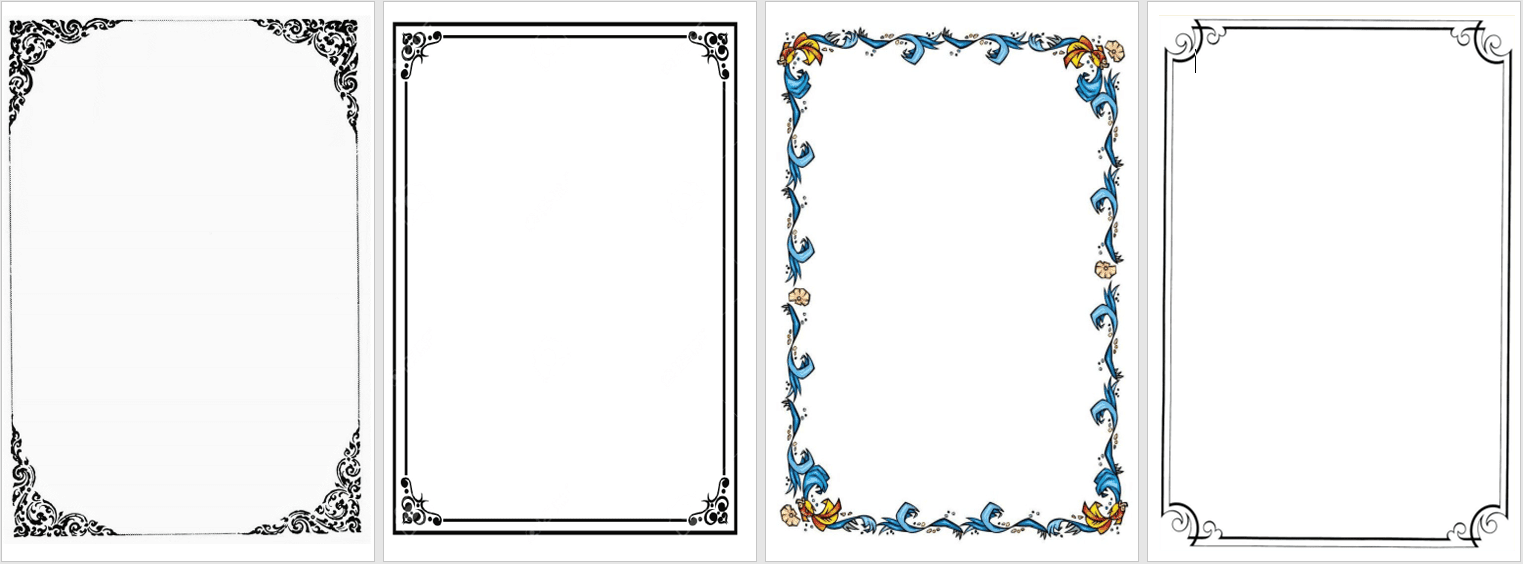
Do you want to add beautiful custom border frames (like Kbach Khmer border or certificate frame) to your Word document? Today I show you how to download PNG border frame from internet and insert it behind text easy easy!
Plus, I give you FREE direct download links for high-quality Kbach Khmer border frames (Horizontal Landscape & Vertical Portrait) below!
🖼️ Free Kbach Khmer Border Frame Previews
Here are sample previews of the free Kbach Khmer border frame templates you can download:
📺 Video Tutorial: Download & Use Border Frames in MS Word
Watch this video tutorial in Khmer to see step-by-step how to download and setup Kbach Khmer border frames in Word:
🛠️ Step-by-Step Instructions:
Step 1: Download Frame Image from Internet or Free Links
- Open your web browser (Google Chrome).
- Search:
"Kbach Khmer border frame png transparent"or"Certificate border frame png". - Download a clean, high-resolution PNG image file (or use our free Box download links below).
Step 2: Insert and Position Frame in MS Word
- Open your MS Word document.
- Go to Insert tab => click Pictures => select This Device....
- Choose your downloaded frame picture and click Insert.
- Click on the frame picture => go to Picture Format tab.
- Click Wrap Text => select Behind Text.
- Drag corner handles of the picture frame to stretch and fit full page margins cleanly!
> 💡 Tip: Always download images with PNG transparent background so white box does not block your text content!
📥 Free Download Kbach Khmer Border Frame Files
Click links below to download free high-resolution Kbach Khmer border frame templates:
💡 Summary of Border Frame Tips
- Search "PNG Transparent": Avoid JPEG frames with white solid backgrounds.
- Picture Format => Wrap Text => Behind Text: Allows typing text freely inside the frame.
- Insert in Header: Double-click header area and paste frame if you want it on every page automatically!
🔗 Related Resources & Downloads:

Rean Computer 101
Sharing step-by-step Microsoft Word tutorials, Khmer document formatting guides, office templates, and productivity keyboard shortcuts.