📋Table of Contents
Hello everyone! Welcome back to word.rean.me by Rean Computer 101!
Khmer Lunar Calendar (ចន្ទគតិ) is very important for official government letters, administrative documents, and legal contracts in Cambodia.
Don't calculate lunar dates manually by looking at paper calendar! Today I show you how to install the free Khmer Lunar software plugin in Microsoft Word so you can convert dates to Khmer lunar format automatically with zero headache!
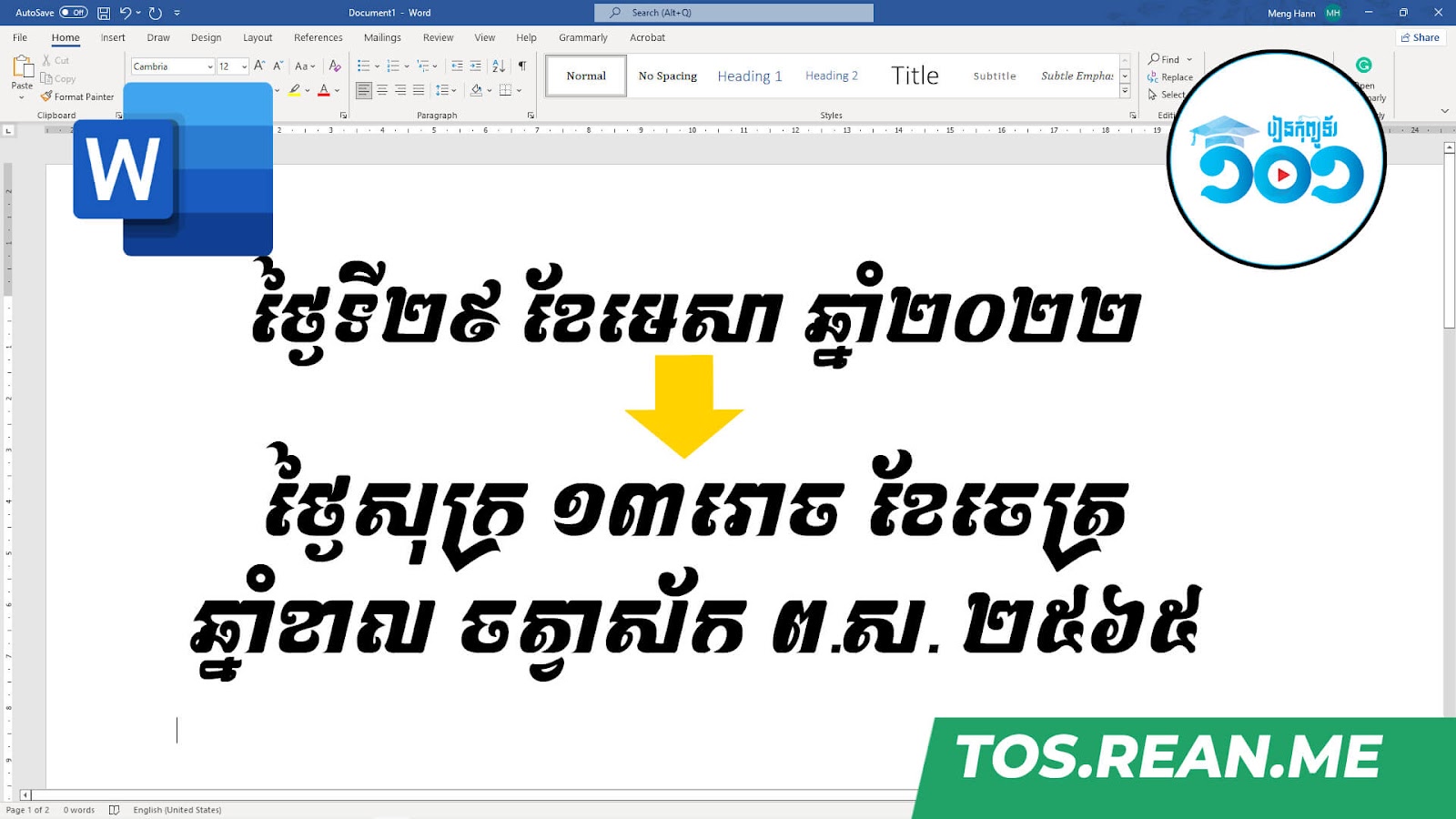
📺 Video Tutorial: How to Install and Add Khmer Lunar Date in MS Word
Watch this video tutorial in Khmer to see how to install software plugin and convert Khmer lunar dates:
🛠️ Quick Steps: How to Install & Use Khmer Lunar Plugin
- Download free installer file from link below.
- Close Microsoft Word program completely.
- Run setup installer file (
Khmer Lunar Setup.exe) and click Install. - Re-open MS Word. You will see new Khmer Lunar tab menu on top ribbon!
- Select any date or click Insert Khmer Lunar button to insert current lunar date instantly!
> 💡 Tip: This software plugin is developed by https://optistech.com. Make sure Word is closed during installation so add-in registers properly!
📥 Free Download Khmer Lunar Plugin
Click link below to download free software installer for Word & Excel:
💡 Summary of Khmer Lunar Tips
- Close Word First: Close MS Word before running setup installer.
- Khmer Ribbon Tab: Access lunar converter directly inside Word ribbon menu.
- Optis Tech: Developed by Optis Tech for free usage.

Rean Computer 101
Sharing step-by-step Microsoft Word tutorials, Khmer document formatting guides, office templates, and productivity keyboard shortcuts.