📋Table of Contents
Hello all guy! Today we learn how to make Word document look very professional and beautiful. We will use many feature in Word to decorate our document. This tutorial very easy, so don't worry!
You can download sample document at the end of the post. Enjoy!
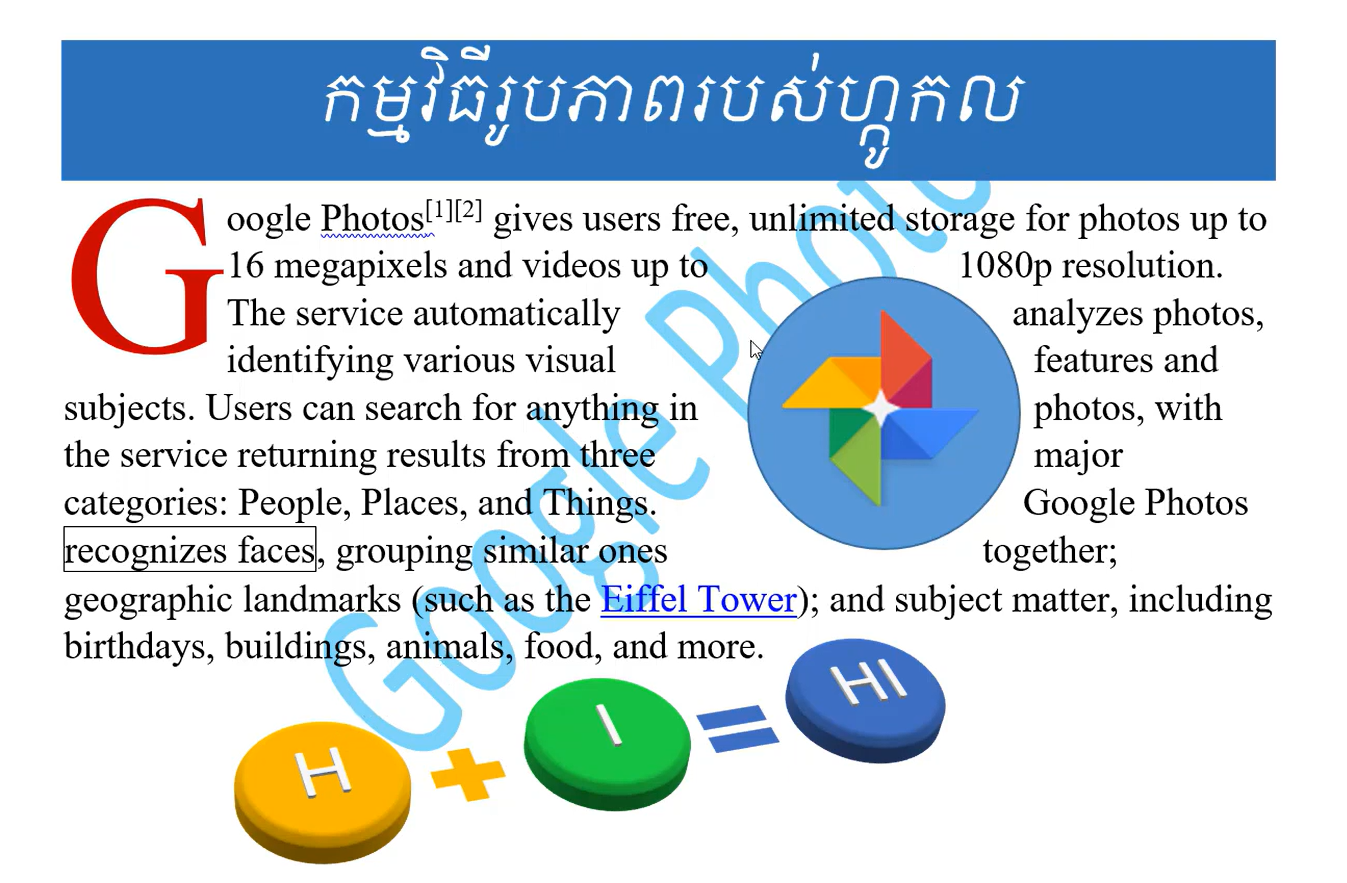
Feature We Use in This Tutorial
In this lesson, we will learn how to use these feature:
- Shape — you can insert shape like circle, square, arrow into your document to make it look nice
- Text Shadow — add shadow to your text to make it look more beautiful and stand out
- Drop Cap — make first letter of paragraph very big, like you see in old book or magazine
- Paragraph Border & Shading — add border or color background to your paragraph so it look more organize
- Page Border & Shading — add border around whole page to make document look more professional
- Smart Art — use Smart Art to create diagram, list or chart with beautiful design very easy
- Image and Format — insert image into document and change the format to make it fit well
Please watch video below to see how to do all this step by step:
💡 Pro Tip
💡 Tip: When you want make document look professional, don't use too many color or too many font. Just use 2 or 3 color and 1 or 2 font style. Less is more! And always use Drop Cap for first paragraph — it make your document look very elegant and nice.
💡 Pro Tip
💡 Tip: For Page Border, go to Design tab then click Page Borders. You can choose many style of border from the list. For Smart Art, go to Insert tab then click Smart Art to see all the template. Very easy to use!
Download Sample Word Document
You can download sample document at the end of the post. Enjoy!
I hope you enjoy this lesson and can make your own professional document now! If you have question, please leave comment below. Thank you and see you next time!
🔗 Related Resources & Downloads:

Author & Creator
Rean Computer 101
Sharing step-by-step Microsoft Word tutorials, Khmer document formatting guides, office templates, and productivity keyboard shortcuts.